
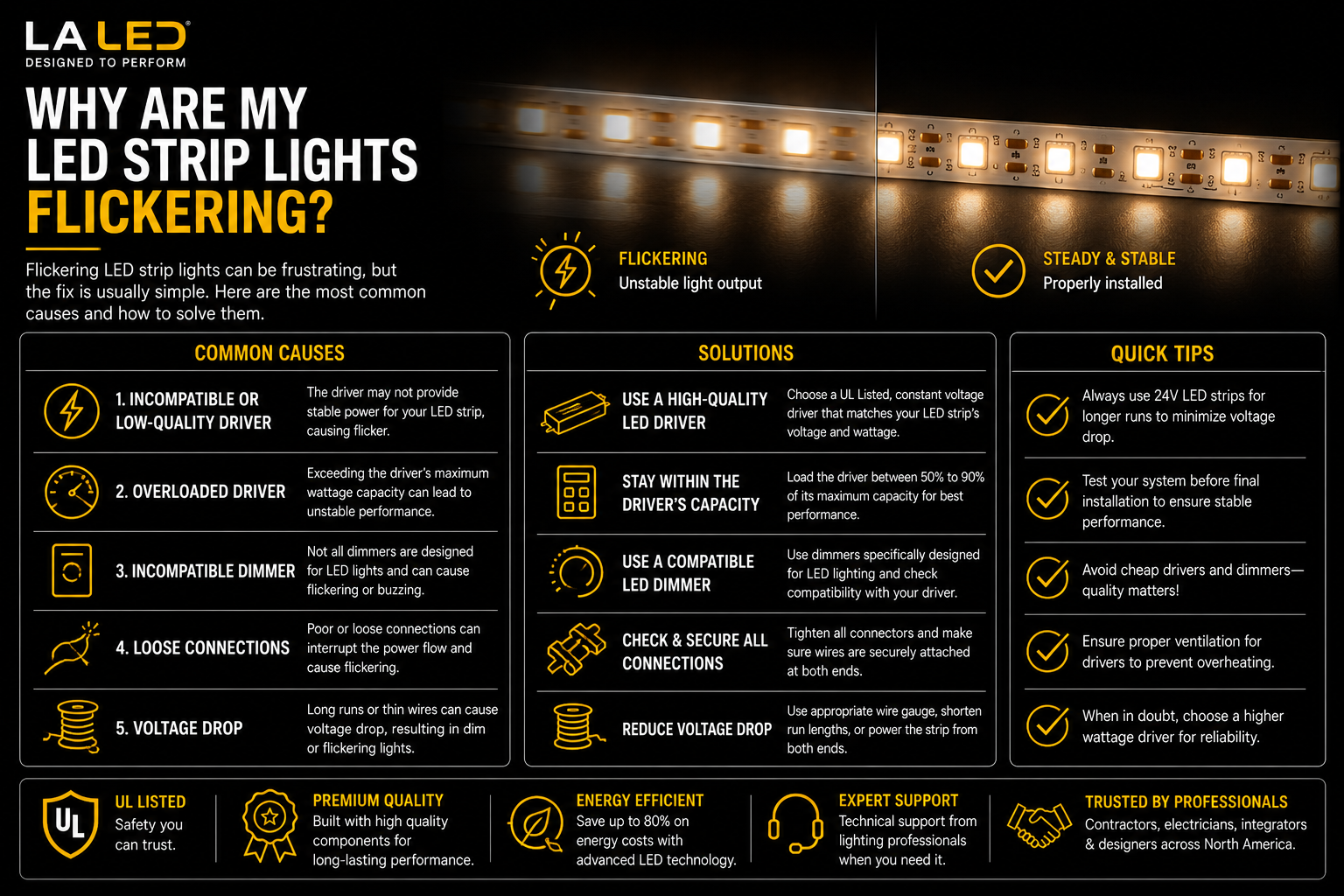
Why Are My LED Strip Lights Flickering?
LED strip lights should provide smooth, consistent illumination. When they start flickering, pulsing, dimming unevenly, or shutting off randomly, the problem is usually not the strip itself. Most flickering issues come from the power supply, dimmer, controller, wiring, voltage drop, or poor component compatibility.
LED strip lighting works as a complete system. The strip, driver, dimmer, controller, connectors, wire runs, and installation environment all affect performance. If one part is undersized or mismatched, flicker is often the first warning sign.
1. Check the LED Driver or Power Supply
The most common cause of flickering LED strip lights is an incorrect, overloaded, or failing power supply.
LED strips require stable DC power at the correct voltage, usually:
-
12V DC
-
24V DC
If the voltage does not match the strip, the lights may flicker, appear dim, or fail prematurely.
For example:
-
A 24V strip must use a 24V driver
-
A 12V strip must use a 12V driver
Wattage is also important. If your LED strip system needs 96 watts, using a 96W driver leaves no safety margin. In real installations, it is better to allow extra capacity so the driver does not run at its limit.
A good practice is to size the driver about 20% above the actual load. A flicker-free option in this range is the 100W 5-in-1 Dimmable LED Driver (12V / 24V), which gives roughly 80W of comfortable working capacity.
2. Make Sure the Driver Is Not Overloaded
An overloaded driver may work at first but become unstable over time.
Common symptoms include:
-
Flickering at full brightness
-
Flickering after the lights warm up
-
Random shutoffs
-
Buzzing
-
Dim output
-
Driver overheating
If the flickering happens after the system has been running for a few minutes, the driver may be overheating or entering protection mode. For larger loads, moving up to the 200W 5-in-1 Dimmable LED Driver restores the headroom an undersized driver is missing.
3. Check Dimmer Compatibility
If the LED strip flickers only when dimmed, the dimmer and driver may not be compatible.
Not all dimmers work with LED lighting, and not all dimmable drivers support the same dimming method.
Common dimming methods include:
-
TRIAC
-
ELV
-
MLV
-
0-10V
A dimmable LED driver must match the dimming control being used. If the driver and dimmer are mismatched, the lights may flicker, buzz, drop out, or dim unevenly.
For commercial, office, retail, and architectural installations, 0-10V dimming is often preferred because it provides smooth and reliable brightness control.
Recommended Product
For professional dimming applications, explore our collection of 0-10V Dimmable LED Drivers.
These drivers are commonly used for:
-
LED strip lighting
-
Commercial lighting
-
Office lighting
-
Hospitality projects
-
Architectural lighting systems
4. Inspect All Connections
Loose or poor-quality connections can cause intermittent flickering.
Check:
-
Strip-to-wire connections
-
Solderless connectors
-
Screw terminals
-
Wire nuts
-
Controller terminals
-
Driver output connections
If the flicker changes when the strip, cabinet, or wire is touched, a loose connection is likely.
This is especially common in:
-
Under-cabinet lighting
-
Cove lighting
-
Display shelving
-
Landscape lighting
-
RGB and RGBW strip systems
For long-term reliability, use secure connectors or hardwired terminations where appropriate.
5. Look for Voltage Drop
Voltage drop happens when the far end of the strip receives less voltage than the beginning of the run.
This can cause:
-
Dimming at one end
-
Flickering at the far end
-
Color shift
-
Uneven brightness
-
Poor dimming response
Voltage drop is more common with:
-
Long strip runs
-
Undersized wire
-
High-output LED strips
-
Power fed from only one end
To reduce voltage drop:
-
Use 24V strips for longer runs
-
Keep wire runs short
-
Use proper wire gauge
-
Feed power from both ends when allowed
-
Split long runs into shorter sections
-
Use multiple drivers when needed
If you are replacing a 12V run that dims toward the end, a 24V strip such as the Indoor Dotless Dimmable COB LED Strip (10mm, 24V) will hold brightness more evenly over the same distance.
6. Check Controllers for RGB, RGBW, or CCT Strips
If your system uses RGB, RGBW, tunable white, or addressable strips, the controller may be causing the flicker.
Possible controller issues include:
-
Incorrect controller type
-
Overloaded output channels
-
Poor PWM dimming quality
-
Weak signal
-
Incompatible remote or receiver
-
Mismatched strip and controller specifications
Color-changing systems require the strip, controller, and driver to work together correctly. A wide-range unit like the MiBoxer WL5 WiFi 5-in-1 LED Controller (12-48V) handles single color, CCT, RGB, RGBW, and RGB+CCT strips from one device, which removes most controller mismatch problems.
7. Consider Heat and Environment
Heat can also cause LED strip lights to flicker or fail early.
Problems can occur when strips or drivers are installed:
-
Inside tight cavities
-
Without aluminum channels
-
Near heat sources
-
In enclosed spaces
-
Outdoors with the wrong rating
-
In damp or wet areas using indoor-rated components
For wet-location installations, use properly rated drivers and components such as the 96W Dimmable LED Transformer (24V, IP65). Wet-location products are not for submersion unless specifically rated for that use.
Aluminum channels can help improve heat dissipation and protect the strip.
How to Troubleshoot Flickering LED Strip Lights
Use this simple checklist:
-
Confirm the strip voltage: 12V or 24V.
-
Confirm the driver voltage matches the strip.
-
Calculate total wattage.
-
Make sure the driver has enough capacity.
-
Test the lights without the dimmer if possible.
-
Inspect all connectors and terminals.
-
Check for voltage drop on long runs.
-
Verify controller compatibility.
-
Confirm damp or wet-location ratings if installed outdoors.
Start with the power supply and connections first, because those are the most common causes.
When to Replace Components
Sometimes flickering is not caused by one defective part but by a mismatched system.
You may need to replace the driver, dimmer, or controller if:
-
The driver is overloaded
-
The dimmer is not LED-compatible
-
The controller is undersized
-
The voltage is incorrect
-
The system is using poor-quality components
-
The installation environment requires a different rating
Reliable LED strip lighting depends on a properly matched system, not just a good strip.
Final Thoughts
LED strip lights flicker when the system is not receiving stable, compatible power. The most common causes are driver overload, dimmer mismatch, loose connections, voltage drop, controller issues, and environmental stress.
To fix the problem, treat the strip, driver, dimmer, controller, and wiring as one complete system. When each component is correctly matched, LED strip lighting should be smooth, quiet, stable, and reliable.